

ASRock
X670E Taichi
Affiliate Disclosure: We may earn a commission when you buy through links on our site. This does not influence our editorial recommendations. Learn more about how we make money
Clara’s Verdict
Very GoodA well-built, reasonably priced motherboard that handles everything most families need without breaking the bank.
Best for: DIY PC builders, Families upgrading to DDR5, People who want future-proofing without premium pricing
Skip if: RGB perfectionists, Users who need flawless BIOS out of the box, People who want hand-holding tech support
Ethan’s Verdict
Very GoodSolid value for DDR5 builders who can tolerate firmware quirks and don't need polished software.
Best for: Budget-conscious AM5 DDR5 builders, Users prioritizing VRM quality over software polish, Enthusiasts who tweak BIOS settings
Skip if: First-time builders wanting plug-and-play reliability, RGB ecosystem enthusiasts, Users who want fast support responses
Clara’s Pros & Cons
- +Strong value for AM5 enthusiasts
- +Unique, attractive design stands out
- +Solid power delivery for stability
- +WiFi 6E and modern connectivity included
- −BIOS could be more intuitive
- −Memory training takes time
- −Fan control needs manual tweaking
- −RGB software feels underdeveloped
Ethan’s Pros & Cons
- +Strong VRM handles Ryzen 7000 without compromise
- +X670E features at competitive price point
- +Unique design differentiates from competitors
- +Solid PCIe 5.0 and DDR5 support
- −BIOS is quirky and memory training is slow
- −Fan control limited, needs manual tweaking
- −RGB software and ecosystem lag competitors
- −Support response times slower than rivals
Score Breakdown
Performance8.012% wt
Thermals & Noise7.08% wt
Build Quality8.015% wt
Compatibility8.010% wt
Features7.012% wt
Ease of Install7.020% wt
Value8.023% wt
Score Breakdown
Performance7.025% wt
Thermals & Noise7.015% wt
Build Quality7.012% wt
Compatibility7.015% wt
Features6.012% wt
Ease of Install6.08% wt
Value8.013% wt
Clara’s Full Review
A Practical Motherboard for Families Going the Custom PC Route
If you're building a PC for your family and want something that won't drain your wallet but still delivers real performance, the ASRock X670E Taichi deserves a close look. It sits in that sweet spot where you get enthusiast features without paying enthusiast prices.
What makes this board stand out is honestly its design. The Japanese-inspired aesthetic is a breath of fresh air compared to the usual gaming board aggression you see everywhere. It looks mature and thoughtful, which matters if your build is sitting on a desk where people can actually see it. Build quality is solid too. Everything feels substantial, and component placement makes sense when you're installing RAM or adding storage.
Performance-wise, you're getting a proper X670E with strong power delivery. That means your CPU gets clean power and won't throttle during gaming marathons or when the kids are streaming while you're rendering video. The VRM is genuinely good for the price, which reviewers consistently highlight.
Now, the honest part: the BIOS isn't as polished as boards costing $600 and up. You'll spend some time navigating menus and tweaking settings. Memory training can drag on longer than you'd expect, which might frustrate someone building their first PC. Fan control isn't automatic magic, either. But here's the thing, it all works. It just requires a little more hands-on attention than premium options.
Connectivity is where this board shines for modern life. WiFi 6E means fast wireless, 2.5Gb Ethernet handles wired connections beautifully, and you get plenty of USB 3.2 Gen 2 ports for external drives and peripherals. PCIe 5.0 support future-proofs your investment, even if you're not using next-gen GPUs today.
The RGB ecosystem is smaller than you'd get from other brands, and the software needs work. If you're planning to synchronize every light in your build, look elsewhere. For most families, though, you probably won't care.
At $470, this board offers genuine value. You're paying for features and performance that would cost significantly more elsewhere. It's the kind of motherboard that lets you build something really capable without guilt about the price tag.
Ethan’s Full Review
The Taichi Paradox: Hardware That Punches Above Its Price, Software That Punches Below
ASRock's X670E Taichi sits in an awkward position. On paper, it's a compelling value play. You get X670E chipset features, a genuinely strong 18+2+1 VRM that handles Ryzen 7000 chips without flinching, PCIe 5.0 slots, DDR5 support, and WiFi 6E for $469.99. That's legitimately cheaper than ASUS ROG Strix or MSI MPG boards with similar specs.
Here's the problem: ASRock's firmware and software ecosystem are the weak links. The BIOS isn't broken, but it's noticeably less refined than competitors. Memory training takes longer than it should, and navigating settings requires patience. If you're the type who adjusts LLC curves and memory timing by hand, you'll adapt. If you want to install, boot, and forget, you'll notice friction.
The VRM itself is the story worth telling. ASRock didn't cheap out here, which matters because X670E boards with weak power delivery become bottlenecks fast. The passive cooling approach works fine for typical workloads, but the fan control implementation is limited. You'll likely need to manually configure cooling profiles rather than letting the board handle it intelligently.
Connectivity is solid without being exceptional. WiFi 6E and 2.5Gb ethernet cover what modern builders need. USB port selection is competitive. Nothing stands out, but nothing's missing either.
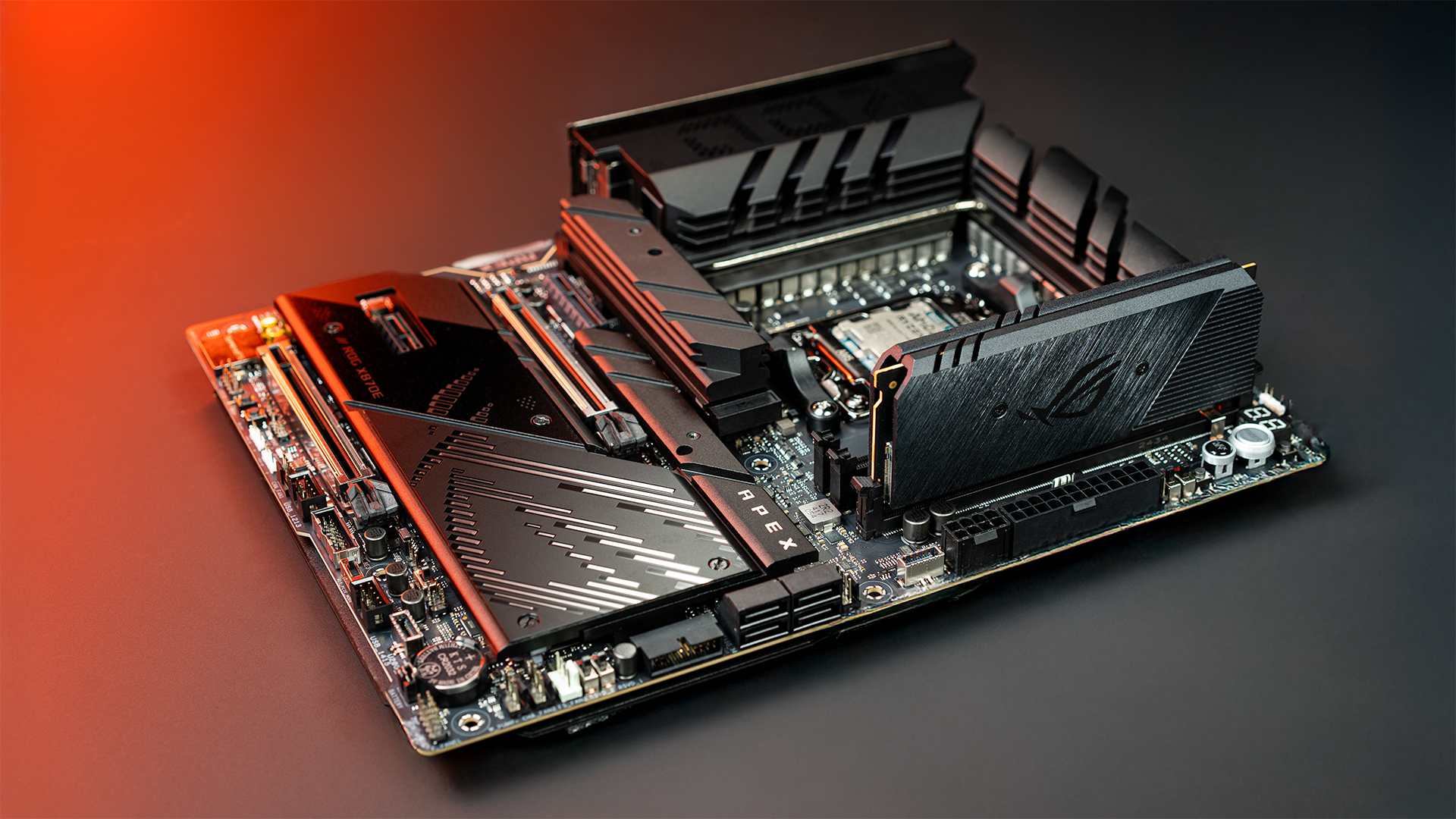
The design is where ASRock differentiates itself. The Taichi aesthetic is distinctive, with a unique PCB layout that looks intentional rather than recycled from last generation. That matters if you care about case aesthetics. The RGB ecosystem, however, is noticeably smaller than ASUS or MSI, which limits customization options.
Support is where the board reveals its position in ASRock's hierarchy. Response times are slower than competitors, and if you hit a weird BIOS bug, you're not getting priority treatment. This matters less if you're experienced and can self-troubleshoot, more if you're relying on manufacturer support.
The value equation works out if you prioritize hardware over software polish. You're saving $80-150 versus comparable boards from bigger brands. That money buys you solid power delivery and modern features. What you sacrifice is firmware refinement, software polish, and support speed. For hardware enthusiasts who enjoy tinkering, that's a reasonable trade. For builders wanting turnkey reliability, it's not.
This board is good, not great. It's a smart buy for the right person, a frustrating buy for the wrong one.
Specifications
| chipset | AMD X670E |
| USB ports | USB 3.2 Gen 2 |
| PCIe slots | PCIe 5.0 |
| networking | WiFi 6E, 2.5Gb Ethernet |
| form factor | ATX |
| memory support | DDR5 |
Overall Rating
Related Reviews
Review History
Initial review from real source data
Initial review from real source data
Editorial Independence
Our reviews are based on research from trusted expert sources. We may earn commissions from affiliate links, but this never influences our ratings or recommendations. How we score · Editorial policy · Report an error
Related Motherboards


Lowest Price Vendor Auto-Selected
Lowest Price Vendor Auto-Selected