

Logitech
MX Master 4S
Affiliate Disclosure: We may earn a commission when you buy through links on our site. This does not influence our editorial recommendations. Learn more about how we make money
Clara’s Verdict
ExcellentIf you spend your day clicking, scrolling, and switching between apps, this mouse will make your work life noticeably easier and quieter.
Best for: Anyone who works at a desk all day, People who juggle multiple devices, Professionals who want less wrist strain, Anyone tired of loud clicking sounds
Skip if: Gamers looking for speed, Left-handed users, People on a tight budget
Ethan’s Verdict
Very GoodA refined productivity mouse that executes well but charges flagship prices for evolutionary, not revolutionary, improvements.
Best for: professionals with complex workflows, CAD users, multi-device switchers
Skip if: casual users, budget-conscious buyers, gamers
Clara’s Pros & Cons
- +Incredibly quiet clicks that won't annoy coworkers or family
- +Ergonomic design feels perfect in your hand all day
- +Seventy-day battery life means barely any charging
- +Multi-device support switches between computers effortlessly
- −At $120, it's definitely pricey for a mouse
- −Right-handed only, so lefties are out of luck
- −Learning all the customization features takes time
- −Includes USB-A receiver instead of USB-C
Ethan’s Pros & Cons
- +70-day battery life eliminates charging friction entirely
- +Quieter clicks are genuinely useful in shared workspaces
- +Optimized button placement feels natural and intuitive
- +Action Ring customization adds real productivity shortcuts
- −Incremental upgrade from MX Master 3S doesn't justify $120 price
- −Reduced rubber grip durability compared to previous generation
- −Heavy at 5.2 ounces, causes fatigue for extended use
- −Limited pre-made plug-ins require manual configuration work
Score Breakdown
Performance & Response8.010% wt
Comfort & Ergonomics9.025% wt
Build Quality8.515% wt
Features & Software8.510% wt
Customization8.010% wt
Wireless & Battery9.010% wt
Value7.520% wt
Score Breakdown
Performance & Response8.020% wt
Comfort & Ergonomics8.515% wt
Build Quality8.015% wt
Features & Software8.020% wt
Customization8.012% wt
Wireless & Battery8.58% wt
Value6.010% wt
Clara’s Full Review
The Mouse That Makes You Actually Want to Work
Look, I know it sounds ridiculous to get excited about a mouse. But if you're someone who spends six, eight, or ten hours a day at a desk, the MX Master 4S is one of those products that genuinely improves your daily life.
First, the quiet clicks. Reviewers rave about this, and for good reason. If you work in an open office, a shared space, or near someone who's trying to focus, the 90% quieter clicks are incredible. You can work without that constant clicking sound that drives everyone around you nuts. It's such a simple thing, but it makes a real difference.
The ergonomics are where this mouse really shines. It's sculpted to fit your hand perfectly, and the button placements feel natural immediately. You're not reaching awkwardly or straining your wrist. After a full day of work, your hand doesn't hurt. That matters more than any spec sheet.
The MagSpeed wheel is brilliant for anyone who scrolls through documents, spreadsheets, or long emails all day. It's smooth and responsive, and you can customize it to work exactly how you want. The gesture button and customization options through Logi Options+ let you create shortcuts that match your actual workflow, not some generic setup.
Battery life is genuinely impressive. Seventy days means you're charging this maybe once every couple months. And it connects seamlessly to multiple devices via Bluetooth, so if you're bouncing between a laptop and a tablet, switching is instant and painless.
Now, the honest part. At $120, this is expensive for a mouse. It's not a casual purchase. You need to actually want it and use it every day for it to make sense. It's also right-handed only, so if you're left-handed, you're out of luck. And there's a bit of a learning curve with all the customization options, though most people say it's worth the setup time.
The USB-A receiver instead of USB-C is a minor annoyance in 2024, but not a dealbreaker.
Bottom line: if you work at a desk and you're tired of wrist strain, loud clicking, or fumbling with your mouse, this is worth the investment. It's not just a mouse. It's a tool that makes your work day better.
Ethan’s Full Review
The Business Case Doesn't Add Up
Logitech is asking you to pay $119.99 for a mouse that's fundamentally identical to last year's model. The MX Master 4S is a refinement, not a redesign, and that's the problem.
Let's be clear about what's actually new: quieter clicks, haptic feedback, and an Action Ring gesture button. Those are real improvements. The clicks are genuinely quieter, useful if you're in an open office. The Action Ring lets you customize a digital overlay for shortcuts. The haptic feedback adds tactile feedback to interactions. But here's the catch: none of these features are game-changing. They're nice-to-have polish on an already-mature product.
The sensor is still the Darkfield 8000 DPI. Tracking on glass works. Multi-device support via Bluetooth and USB receiver is solid. Battery life at 70 days is legitimately excellent. These aren't new; they're carryovers. The design is a "natural evolution," which is corporate speak for "we didn't change much."
Where the 4S actually regresses: Logitech reduced the rubber-textured grip compared to the 3S. At a price point where professionals are paying for premium materials, this is a cost-cutting move dressed up as refinement. The mouse also weighs 5.2 ounces, which is heavier than competitors, and some users report fatigue during 8+ hour workdays.
The software story is mixed. Logi Options+ is well-regarded for customization, and the Action Ring does add flexibility for power users. But there's a learning curve, and casual users will never touch these features. You're paying for functionality you might not use.
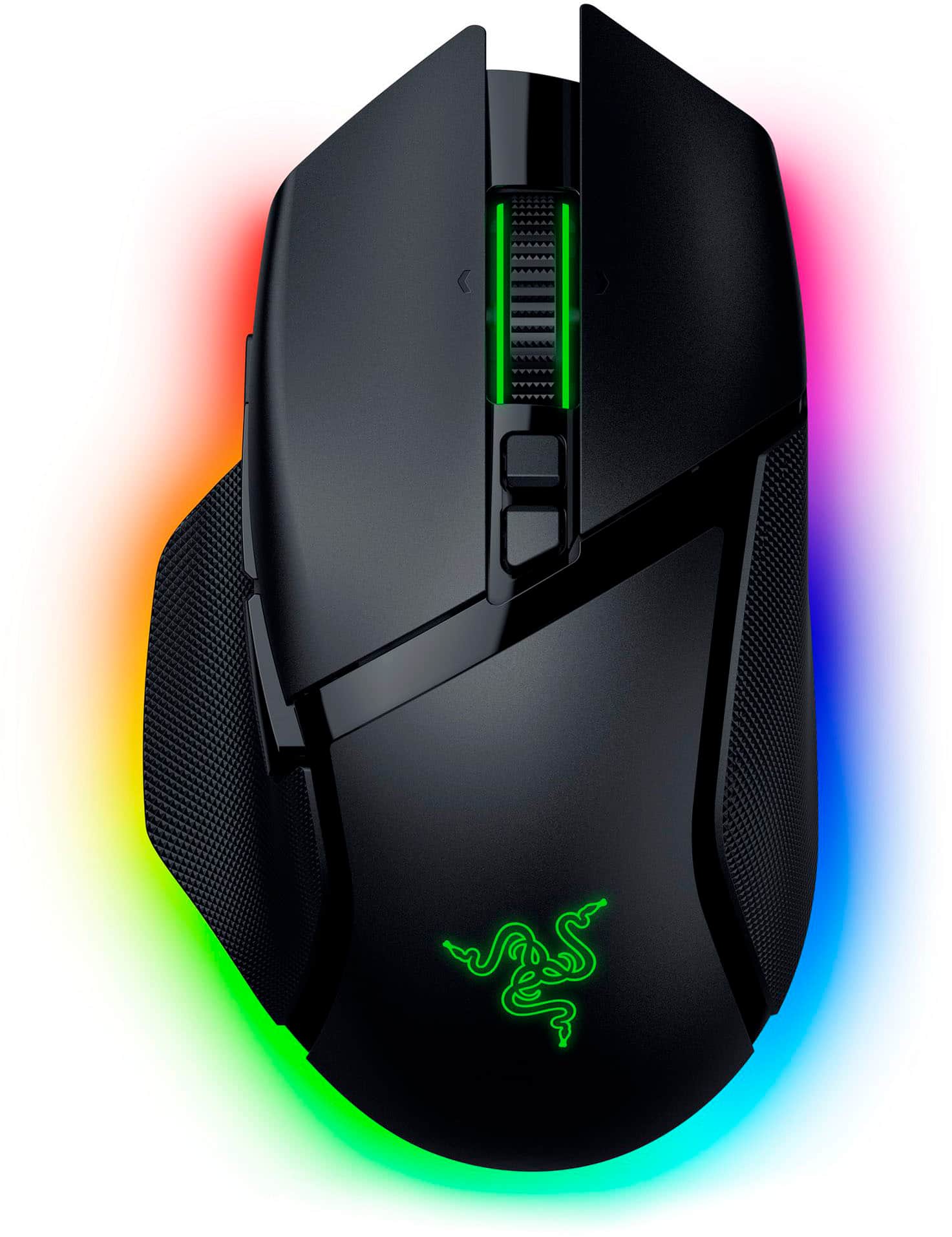
Here's the real issue: Logitech is positioning this at $119.99, the same tier as the 3S. The Razer Pro Click V2 sits nearby with similar productivity features. The MX Master 4S wins on customization and battery life, but not by enough to justify the premium if you already own a 3S. If you're buying new, you're paying flagship prices for evolutionary improvements.
For CAD professionals and power users who live in Logi Options+, the Action Ring and haptic feedback justify the purchase. For everyone else, the 3S is still a solid mouse at a lower price, or you should look at alternatives in the $80-100 range.
This is a good mouse held back by pricing that assumes loyalty over value.
Specifications
| sensor | Darkfield 8000 DPI |
| buttons | 8 |
| ergonomics | Right-handed |
| battery life | 70 days |
| connectivity | Bluetooth, USB Receiver |
Overall Rating
Related Reviews
Review History
Initial review from real source data
Initial review from real source data
Editorial Independence
Our reviews are based on research from trusted expert sources. We may earn commissions from affiliate links, but this never influences our ratings or recommendations. How we score · Editorial policy · Report an error
Related Mice



Lowest Price Vendor Auto-Selected
Lowest Price Vendor Auto-Selected