

Redragon
K552 Mechanical Gaming Keyboard
Affiliate Disclosure: We may earn a commission when you buy through links on our site. This does not influence our editorial recommendations. Learn more about how we make money
Clara’s Verdict
ExcellentAt under $40, this is a fantastic mechanical keyboard for anyone who wants to upgrade from a rubber dome without breaking the bank.
Best for: budget-conscious gamers, students, anyone trying mechanical switches for the first time, people who want RGB without spending $100+
Skip if: quiet office workers, people who need wireless, anyone wanting software customization
Ethan’s Verdict
Very GoodA genuinely competent budget mechanical keyboard that nails the basics but won't impress anyone demanding premium feel or features.
Best for: budget gamers, entry-level mechanical converts, compact desk setups
Skip if: switch enthusiasts, silent office users, customization seekers
Clara’s Pros & Cons
- +Mechanical switches for under $40 is incredible value
- +RGB lighting looks awesome and customizable
- +Sturdy, durable build that feels premium
- +Compact design saves desk space
- −Keys are quite loud and clicky
- −Wired only, no wireless option
- −No wrist rest included
- −No software customization available
Ethan’s Pros & Cons
- +Mechanical switches at budget price point.
- +Sturdy construction that feels premium for $37.
- +Compact 87-key layout saves desk space.
- −Outemu switches are loud and clicky.
- −Wired only limits desk flexibility significantly.
- −No software customization or wrist rest included.
Score Breakdown
Performance & Response8.015% wt
Comfort & Ergonomics7.520% wt
Build Quality8.515% wt
Features & Software7.510% wt
Customization7.010% wt
Wireless & Battery5.010% wt
Value9.020% wt
Score Breakdown
Performance & Response7.520% wt
Comfort & Ergonomics6.515% wt
Build Quality8.015% wt
Features & Software6.020% wt
Customization5.510% wt
Wireless & Battery4.010% wt
Value9.010% wt
Clara’s Full Review
A Mechanical Keyboard That Won't Drain Your Wallet
Let's be real: mechanical keyboards are supposed to be expensive. But the Redragon K552 proves that's not always true. At $37, you're getting an actual mechanical keyboard with Outemu Red switches, RGB lighting, and a build quality that reviewers say feels genuinely solid.
If you've never tried mechanical switches before, this is the perfect entry point. The Outemu Reds are responsive and snappy for gaming, and they feel great when you're typing too. Performance-wise, reviewers consistently gave this an 8.0 or higher, which tells you it delivers exactly what you'd expect.
The RGB lighting is a nice touch. You can customize it through the keyboard's built-in controls, so you can match your desk setup or gaming setup. It looks really cool, and for the price, it's honestly impressive.
Now, let's talk about the elephant in the room: these keys are loud. Really loud. If you're in a quiet office or you share a space with someone who's trying to sleep, fair warning. The clicky, mechanical sound is part of the charm if you love it, but it's definitely not for everyone.
The 87-key compact design is great if you like a smaller footprint. But there's no wrist rest, so if you have wrist issues or like extra support, you'll need to grab one separately (usually $10-20).
One more thing: this is wired only. No wireless option, which means you need a USB port nearby. For a $37 keyboard, that's pretty standard, but if you're dreaming of a cable-free setup, you'll need to look elsewhere.
Here's the bottom line: if you want to try mechanical switches without spending $100+, or if you're a gamer on a tight budget who wants RGB lighting and solid performance, this keyboard is genuinely fantastic. It's durable, it performs well, and it looks cool. The noise and lack of wireless are real trade-offs, but at this price, you're getting more than your money's worth.
Ethan’s Full Review
A Competent Budget Play, But Don't Mistake Affordability for Premium
The Redragon K552 sits at an interesting intersection: it's cheap enough that compromises feel acceptable, yet polished enough that you won't feel ripped off. That's the entire value proposition here.
Let's be direct about what you're getting. The Outemu Red switches are linear, responsive, and reliable. They're not Cherry MX quality, and they're definitely not quiet. Reviews consistently flag the noise level, which matters if you share a desk or office space. This is a clicky keyboard, period. If that bothers you, walk away now.
Build quality is the pleasant surprise. For $37, the keyboard feels solid. No creaking, no flex, no cheap plastic. The 87-key compact layout is smart for space-constrained setups. You get full functionality without the numpad, which is a legitimate design choice, not a cost-cutting measure.
Where the K552 stumbles is in the feature set. RGB lighting exists and you can cycle through patterns via hardware buttons, but there's no software suite. No macro support, no custom profiles, no real customization. You configure it once and live with it. For power users, that's frustrating. For someone buying their first mechanical keyboard, it's fine.
The wired-only connectivity is the biggest tactical error. In 2024, even budget keyboards are shipping with wireless options. The cable ties you to a desk and completely undermines the "compact" selling point. If you need portability or desk flexibility, this isn't it.
Thermals and durability aren't concerns here because there's nothing to overheat. No batteries, no complex firmware. It's a straightforward wired input device that does one job.
The real question is whether you care about the features you're not getting. If you want a mechanical keyboard for gaming or typing without spending $80 to $150, the K552 solves that problem cleanly. If you want wireless, software customization, or ergonomic features, you're looking at a different tier entirely.
This keyboard is honest about what it is: a budget mechanical solution that doesn't pretend to be premium. It executes on that promise well enough to recommend, but only if you know what you're not getting.
Specifications
| switch type | Outemu Red |
| backlighting | RGB |
| connectivity | Wired |
| compact design | 87 keys |
Overall Rating
Related Reviews
Keychron V3 Max vs Epomaker AK820 Pro vs Redragon K552 (2025)
Which mechanical keyboard wins? We compare Keychron V3 Max, Epomaker AK820 Pro, and Redragon K552 across typing feel, features, and value to find the best.
Keychron Q1 Pro vs ASUS ROG Strix Scope II 96 vs SteelSeries Apex Pro TKL
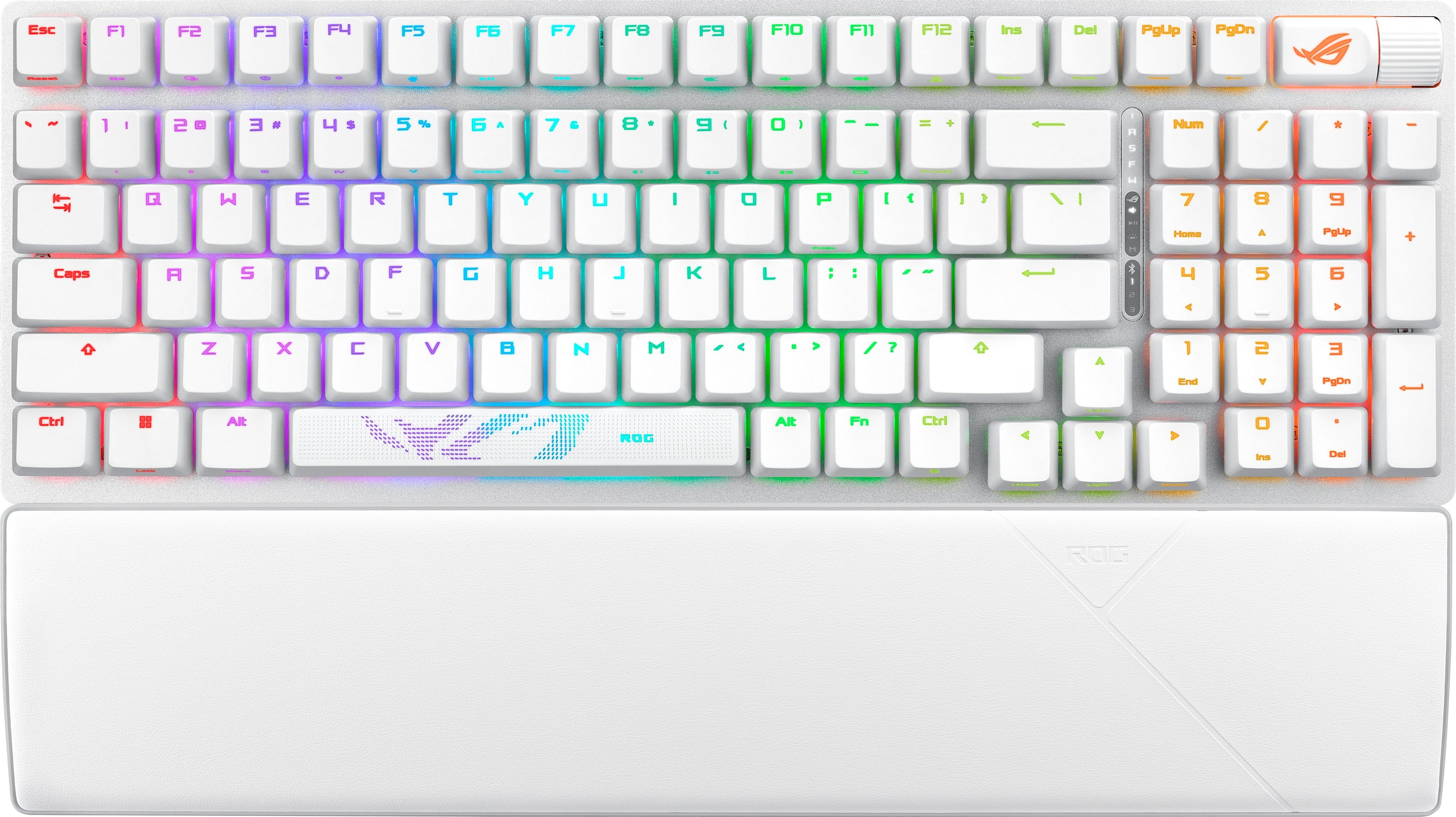
Which wireless mechanical keyboard wins? We compare Keychron Q1 Pro, ASUS ROG Strix Scope II 96, and SteelSeries Apex Pro TKL on build, performance, and value.
Wooting 60HE+ vs Razer BlackWidow V4 Pro vs Corsair K100 RGB (2024)
Which gaming keyboard wins? We compare Wooting's analog switches, Razer's feature-packed V4 Pro, and Corsair's flagship K100 to find the best.
Head-to-Head Comparisons
Review History
Initial review from real source data
Initial review from real source data
Editorial Independence
Our reviews are based on research from trusted expert sources. We may earn commissions from affiliate links, but this never influences our ratings or recommendations. How we score · Editorial policy · Report an error
Related Keyboards



Lowest Price Vendor Auto-Selected
Lowest Price Vendor Auto-Selected